Home › Software › iolo System Mechanic review 2026
Software · New October 2026iolo System Mechanic Review (2026): What You Get, What It Costs, Who Should Buy
- Oct 2026: Page published; plan lineup and prices verified on iolo.com. No hands-on testing yet.
The short answer
System Mechanic is a legitimate all-in-one PC tune-up suite: junk cleanup, startup optimizer, registry tools, and LiveBoost. The base plan suits single-PC owners who want automated maintenance; Ultimate Defense suits multi-PC households that also want antivirus and a password manager. The renewal price jump is the main caveat, and it is a large one.
How this review was researched
No hands-on testing yet: this is a spec-verified deep dive. The product lineup, pricing, and plan differences were verified on iolo.com (October 2026), and feature claims were cross-checked against named third-party reviews where they exist. Anything we could not verify is labeled as such instead of filled in.
System Mechanic plans compared
| Plan | Observed price | What it adds |
|---|---|---|
| System Mechanic (base) | $43.94/year (2026-10-16) | PC optimization and cleanup: junk files, startup management, registry tools, LiveBoost |
| System Mechanic Pro | Confirm current price on iolo.com | Base features plus real-time protection layers; the middle tier between base and Ultimate Defense |
| System Mechanic Ultimate Defense | $39.95/year first year (2026-10-16) Renews at $84.95/year listed | Everything plus real-time antivirus, ByePass password manager, VPN, and privacy tools |
Prices are observed listing snapshots, not live quotes; verify at checkout, and always check the renewal rate, not just the first-year offer.
System Mechanic (base)
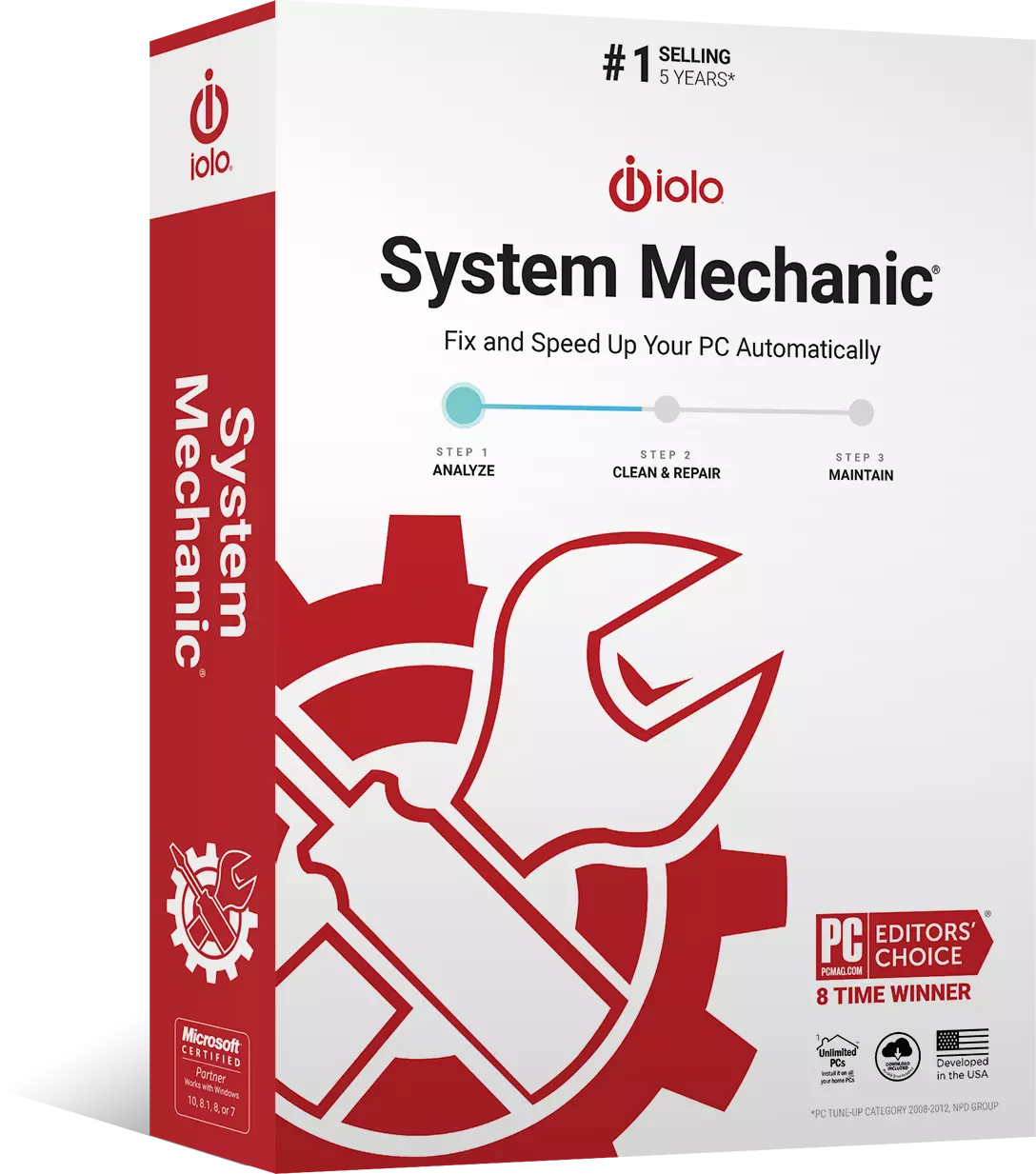
The tune-up core: automated junk cleanup, startup optimization, registry tools, and LiveBoost for real-time CPU and RAM management. Observed at $43.94/year (Oct 2026). What it is not: an antivirus. If you need malware protection, this tier does not have it.
Visit iolo.com (no commission to us)
System Mechanic Ultimate Defense
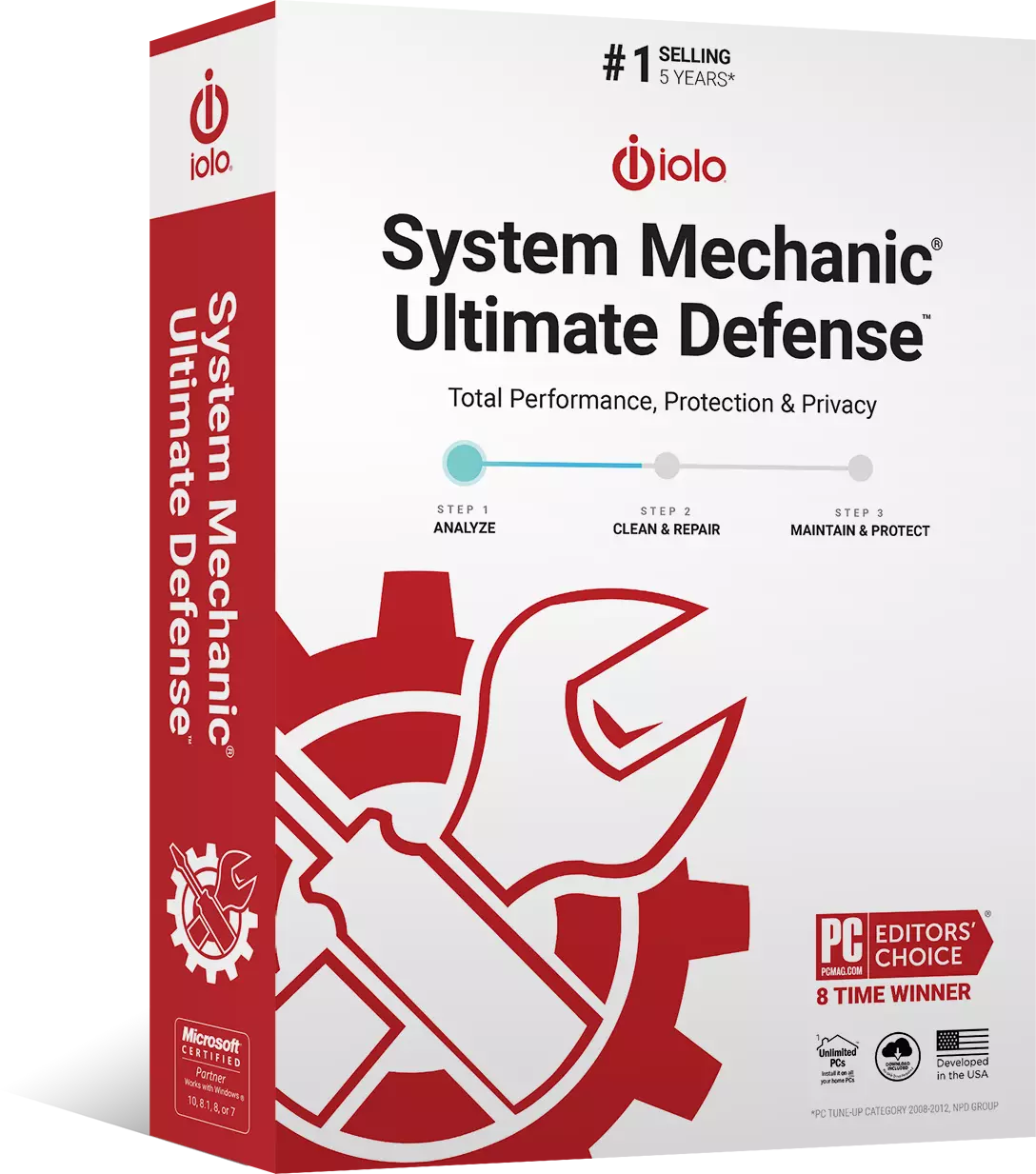
The full bundle: everything in the base plan plus real-time antivirus, the ByePass password manager, a VPN, and privacy tools. The first-year offer is $39.95, and it renews at $84.95/year: that 2.1x renewal multiple is the single most important number on this page. The bundle math works if you would otherwise buy a separate antivirus and password manager; it does not work if you only wanted a tune-up.
Visit iolo.com (no commission to us)
The renewal trap, stated plainly
First-year discounts are customer-acquisition spending; renewal rates are the real price. Ultimate Defense's $39.95 offer renewing at $84.95 is the industry pattern in plain sight. We state both numbers for every plan because the checkout page does not make them equally visible. Set a renewal reminder before you buy.
What System Mechanic actually does
Automated PC Care and ActiveCare
Scheduled junk cleanup, registry compaction, and startup management that run without you remembering to click anything. This automation is the product's actual value proposition: modern Windows already handles defrag and much maintenance natively, so what you are buying is consolidation and scheduling, not magic.
LiveBoost
Real-time CPU and RAM optimization: the feature gamers ask about. Expect modest gains measured in seconds of boot time, per the long-standing PCWorld lab finding on this category, not transformative speedups. We have not lab-tested this ourselves.
Privacy tools
Browser trace cleanup and file shredding in the DriveScrubber family. Useful, unglamorous, and bundled rather than sold separately.
What it does NOT do
It is not a replacement for a dedicated antivirus on the base plan (real-time protection exists only in Pro and Ultimate Defense), and there is no Mac version.
The honest downsides
Modern Windows covers a lot of this ground for free through Storage Sense and built-in maintenance. Owner reviews consistently report aggressive upsell prompts and renewal pricing patterns, and a named third-party review documented install problems. There is no permanent free version: trial only.
Who should buy it (and who should not)
Buy if you are a multi-PC household wanting one dashboard, a non-technical user who wants set-and-forget maintenance, or someone who would otherwise buy a separate antivirus plus password manager (then the Ultimate Defense bundle math works). Skip if you are a single-PC user comfortable with Windows built-in tools, or if you are expecting large FPS or boot-time gains: the honest gains are small.
System Mechanic vs the free alternatives
Windows Storage Sense plus the built-in tools cost $0 and cover the basics. Paying makes sense for three reasons: automation you will actually keep running, a single dashboard for multiple PCs, and the bundled antivirus and password manager in Ultimate Defense. If none of those apply to you, the free path is the honest recommendation.
Questions, answered
Is there a free version of System Mechanic?
Does System Mechanic include antivirus?
Does System Mechanic work on Windows 11?
Is System Mechanic safe?
How do I avoid the System Mechanic renewal price jump?
Get pinged when a real software price drops
We track iolo street prices alongside everything else we cover. One email when a genuine price drop appears. No spam, no fake urgency.